Monthly budget planner
Plan where every dollar of your take-home pay goes. Check it against the 50/30/20 guide or make a zero-based budget — and fill it in from your real spending with one click.
- ✓ Free, no sign-up, no bank login
- ✓ 50/30/20 or zero-based
- ✓ Monthly or weekly
- ✓ Print, PDF or Excel/Sheets
My monthly budget
Take-home pay: $5,000 / month
Left after your plan
$150 / month
- $150 a month isn't planned yet — moving it to savings would raise your savings rate to 22%.
- Needs take 60% of your pay (the 50/30/20 guide is 50%). Housing is usually the biggest lever.
- You're saving 19% — $50 a month short of 20%. Even 1% more each month adds up.
Saved automatically in this browser only. Not sure of your take-home pay? Use the salary after taxes calculator.
How to make a budget that works (5 steps)
- Start with take-home pay — what actually lands in your account. Not sure? The salary after taxes calculator works it out for your state.
- List your needs — housing, utilities, groceries, transportation, insurance, childcare, minimum debt payments.
- Pay future you — set savings and extra debt payments before wants. Start with an emergency fund.
- Plan wants with what's left — dining out, shopping, subscriptions, travel.
- Check it against reality. Our spending tracker reads your bank statements on your device; then press "Fill from my statements".
50/30/20 budget by income
| Take-home / month | Needs 50% | Wants 30% | Savings 20% |
|---|---|---|---|
| $3,000 | $1,500 | $900 | $600 |
| $4,000 | $2,000 | $1,200 | $800 |
| $5,000 | $2,500 | $1,500 | $1,000 |
| $6,000 | $3,000 | $1,800 | $1,200 |
| $8,000 | $4,000 | $2,400 | $1,600 |
| $10,000 | $5,000 | $3,000 | $2,000 |
Free budget template
Download the monthly budget template (CSV) — opens in Excel, Google Sheets or Numbers, with monthly, weekly and yearly columns. Or use the planner above and press "Download for Excel / Sheets" to save your own numbers.
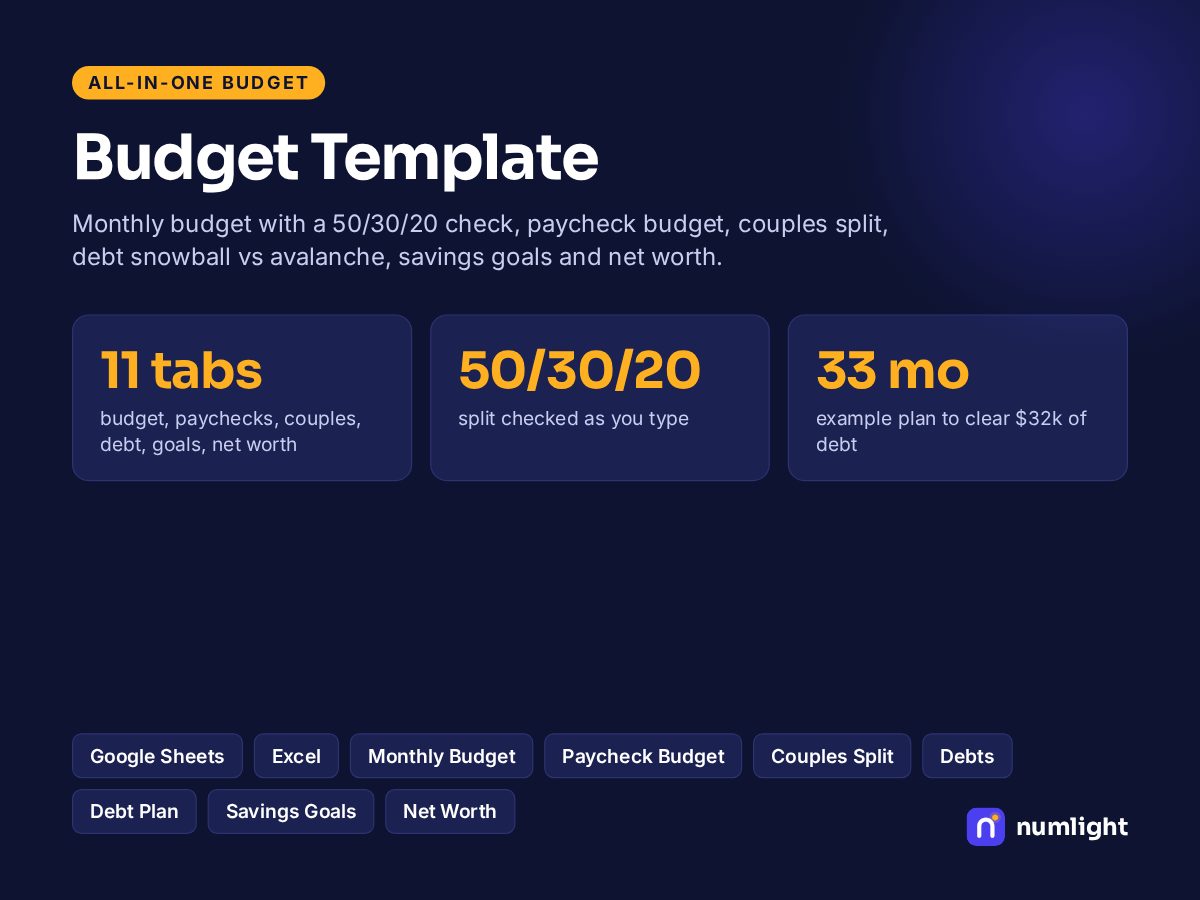

Get the free Monthly Budget Kit (PDF)
The 50/30/20 split at your income, a printable monthly worksheet and the 5-minute subscription audit — free when you join our weekly money email.
Free, about one email a week. Unsubscribe anytime — we never sell your email. Privacy
Frequently asked questions
How do I make a monthly budget?+
Start with your monthly take-home pay (after taxes and payroll deductions). List your needs, then wants, then savings and extra debt payments. Make the total equal your pay, then check it against a guide like 50/30/20 and adjust. Track what you actually spend for a month and update the plan.
What is the 50/30/20 rule?+
A simple guide to split take-home pay: about 50% to needs (housing, utilities, groceries, insurance, minimum debt payments), 30% to wants, and 20% to savings and paying down debt faster. It's a starting point, not a rule — in high-cost cities needs often take more.
What is a zero-based budget?+
A plan where every dollar of income gets a job — spending, saving or paying debt — so income minus your plan equals zero. Switch the planner to Zero-based and it shows how much is still unassigned.
Is there a free budget planner template?+
Yes. Download the planner as a CSV file that opens in Excel or Google Sheets, or print it / save it as a PDF. The planner itself is free and saves in your browser — no account.
Should I budget weekly or monthly?+
Most bills are monthly, so a monthly budget is easiest to plan. If you're paid weekly or prefer to check spending weekly, switch the view to Weekly — the planner converts every line.