Budget Template for Google Sheets & Excel
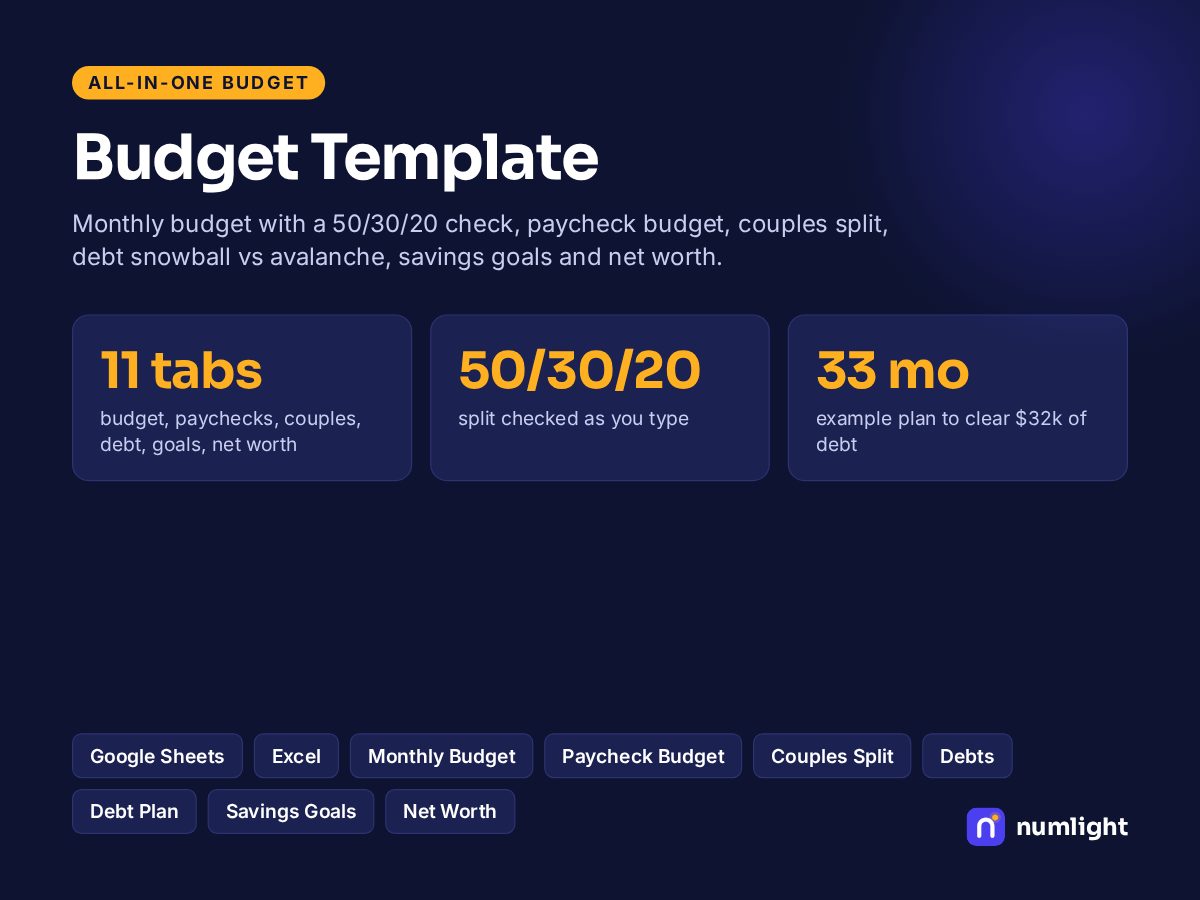
Monthly budget with 50/30/20, paycheck budget, couples split, debt snowball vs avalanche, savings goals and net worth.
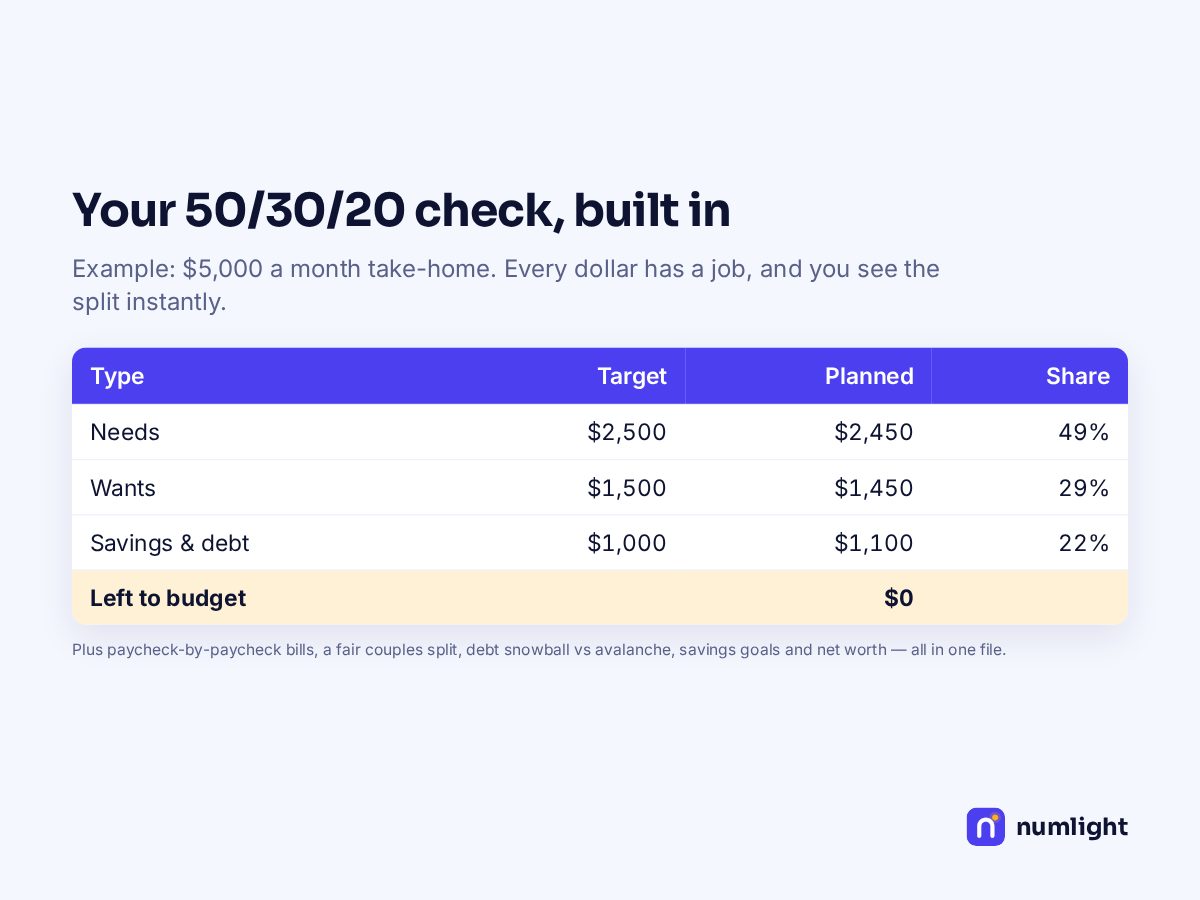
- ✓Monthly budget with an automatic 50/30/20 check
- ✓Paycheck budget: which bills each paycheck covers
- ✓Couples split: share joint bills by income or 50/50
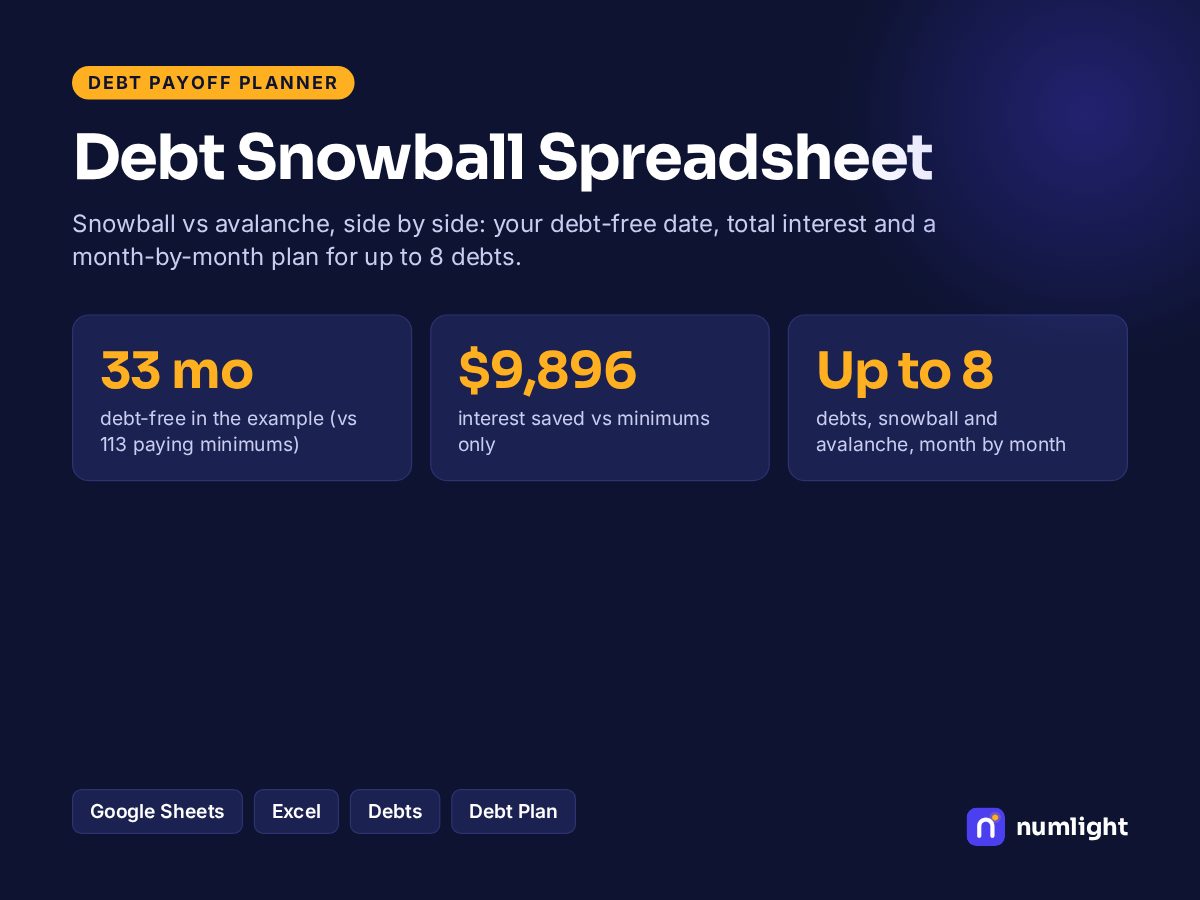
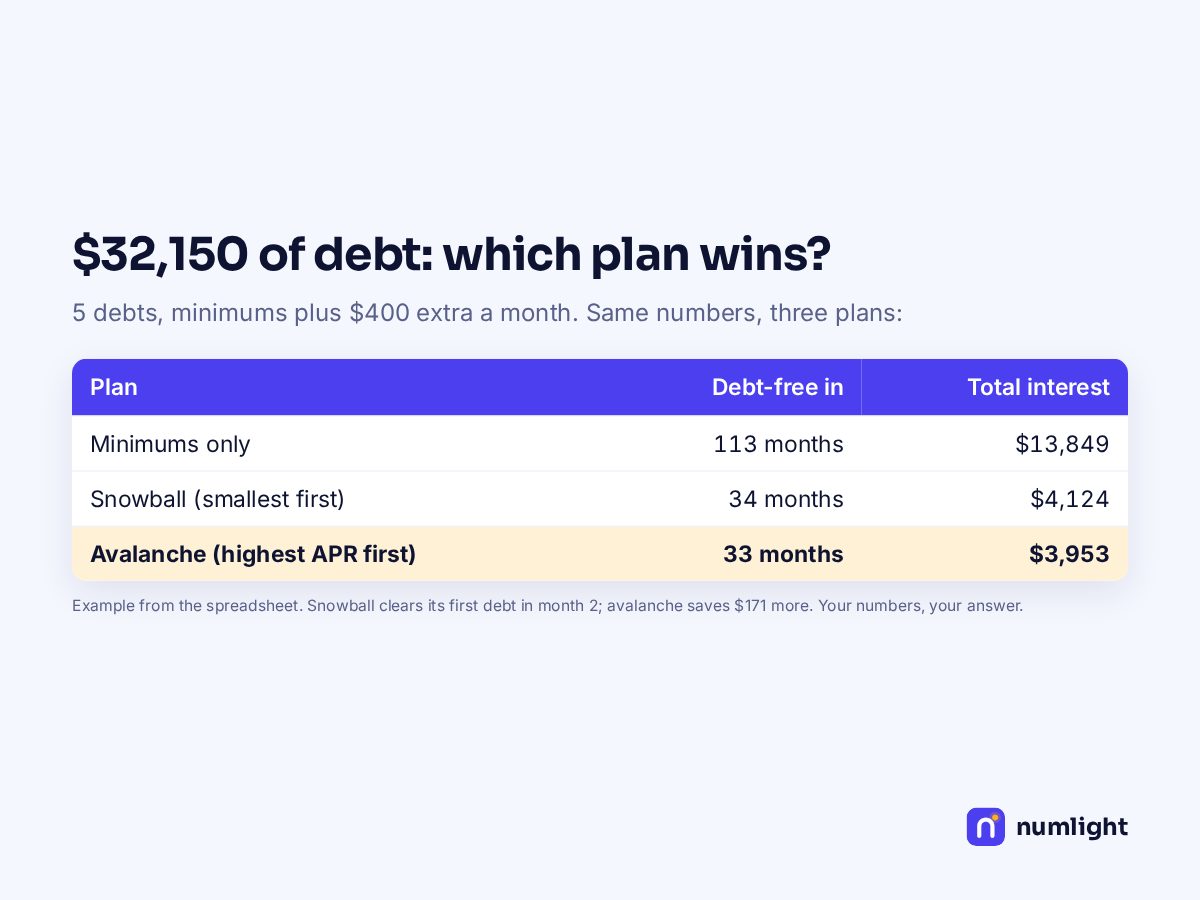
- ✓Debt snowball vs avalanche with your debt-free date
- ✓Savings goals with progress bars, and a net worth tracker
Works in Google Sheets and Excel · live formulas, no macros · .xlsx + 1-page PDF guide
Get the Budget Template free
Tell us where to send updates and download it right away.
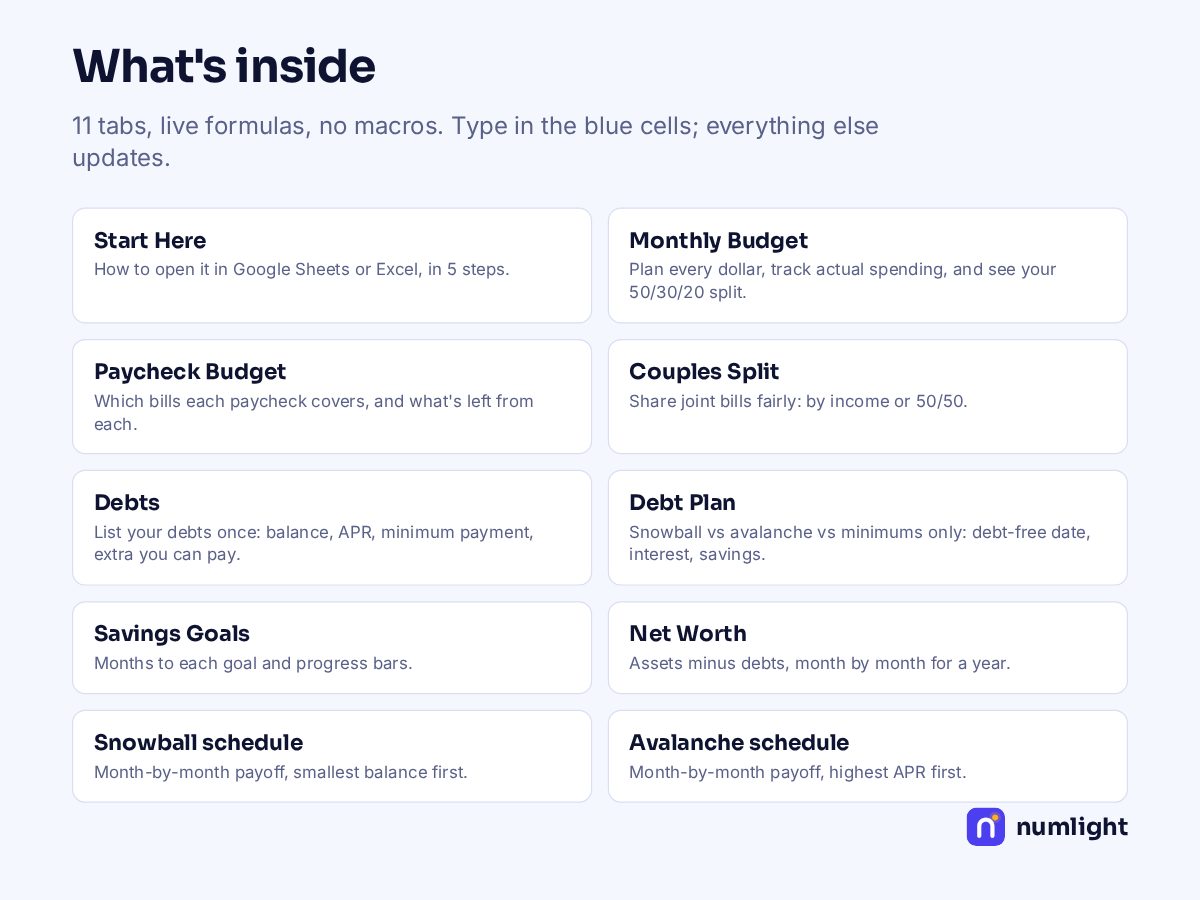
What's inside: 11 tabs
| Start Here | How to open it in Google Sheets or Excel, in 5 steps. |
|---|---|
| Monthly Budget | Plan every dollar, track actual spending, and see your 50/30/20 split. |
| Paycheck Budget | Which bills each paycheck covers, and what's left from each. |
| Couples Split | Share joint bills fairly: by income or 50/50. |
| Debts | List your debts once: balance, APR, minimum payment, extra you can pay. |
| Debt Plan | Snowball vs avalanche vs minimums only: debt-free date, interest, savings. |
| Savings Goals | Months to each goal and progress bars. |
| Net Worth | Assets minus debts, month by month for a year. |
| Snowball schedule | Month-by-month payoff, smallest balance first. |
| Avalanche schedule | Month-by-month payoff, highest APR first. |
| Minimums only | What happens if you only pay minimums (for comparison). |
Same math as our free 50/30/20 budget calculator — we test the spreadsheet against it before every release. Example numbers are filled in; type over them with yours.
Questions
What's the difference from the free calculators?+
The calculators answer one question at a time. The template keeps your whole month — income, every bill, debts, goals and net worth — in one file you can update every month, with the same math.
Does it work in Google Sheets?+
Yes. Upload the .xlsx file to Google Drive, open it with Google Sheets and choose File → Save as Google Sheets. The PDF guide shows each step. It also opens directly in Excel 2010 or newer, Excel for Mac and Excel on the web.
Why is it free?+
It's free while we launch. Later it will cost the price shown, and anything you download now stays yours. We ask for your first name and email so we can send you updates and our weekly money email; you can unsubscribe anytime.
Is there anything to install, or any macros?+
No. It's live formulas only — no macros, add-ons or sign-in — and nothing you type leaves your computer.
For education and planning only — not financial, tax or legal advice. Personal use; please don't resell or share the file.