Wedding Budget Spreadsheet for Google Sheets & Excel
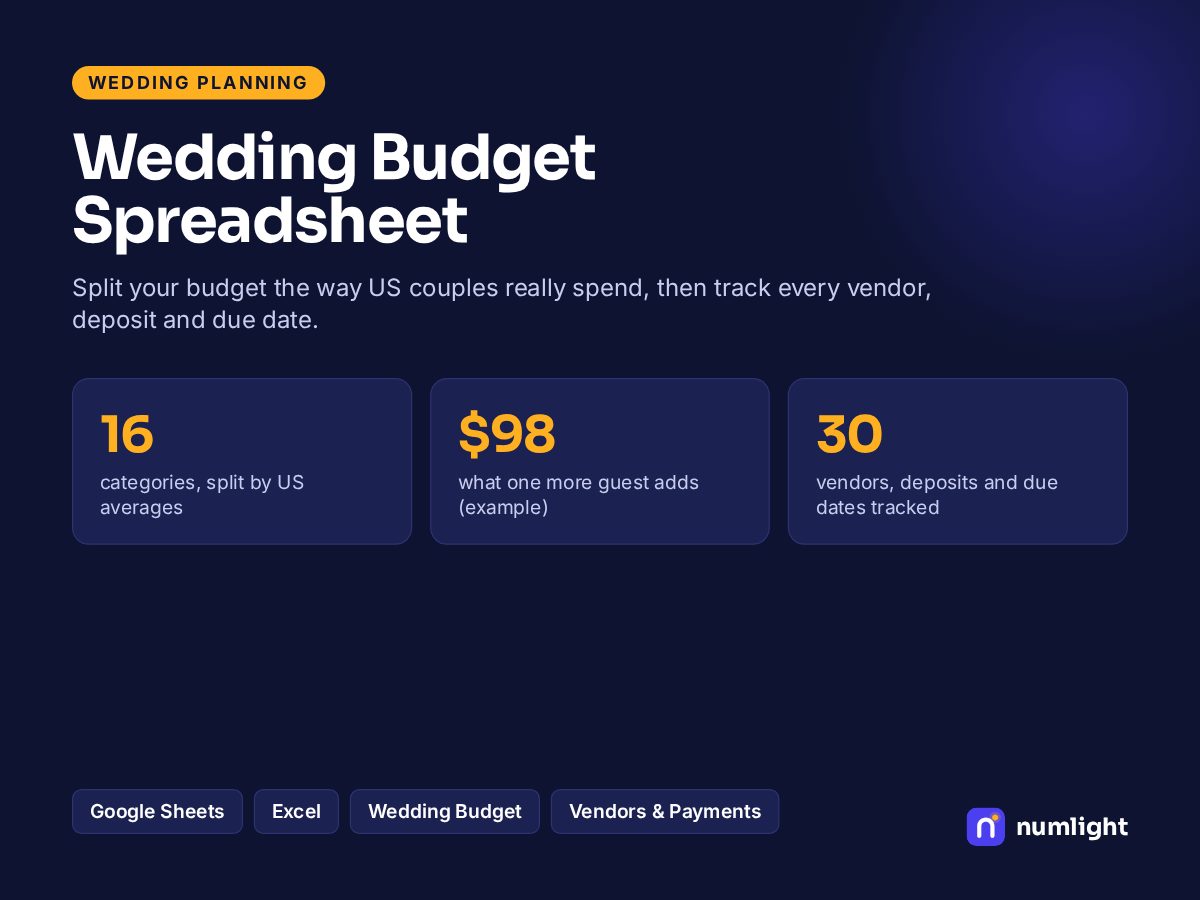
Your wedding budget split by what US couples really spend, plus a vendor and payment tracker.
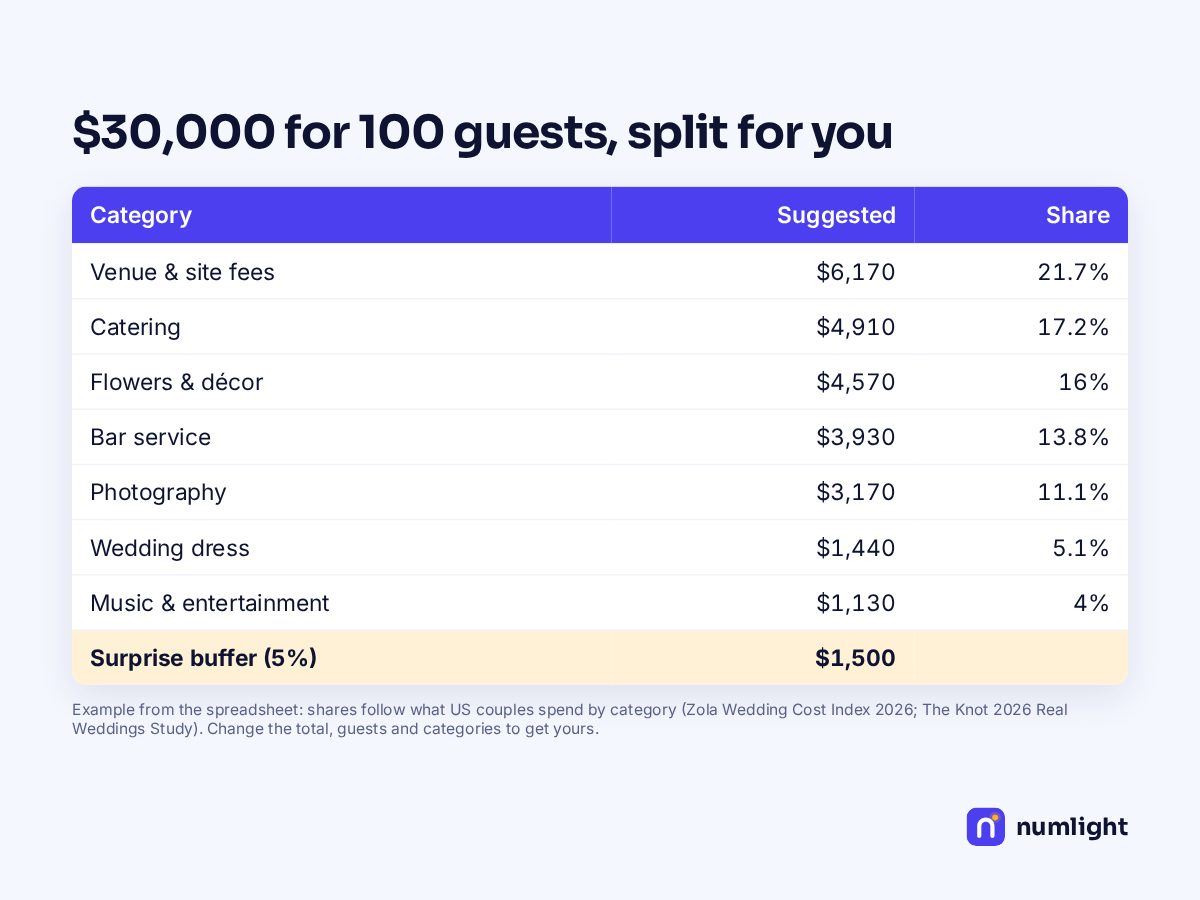
- ✓Your total split across 16 categories by what US couples spend
- ✓Cost per guest, and what one more guest adds
- ✓Your real quotes vs the plan, line by line
- ✓Vendor tracker: deposits, balances and due dates
- ✓Due dates turn red within 14 days
Works in Google Sheets and Excel · live formulas, no macros · .xlsx + 1-page PDF guide
Get the Wedding Budget Spreadsheet free
Tell us where to send updates and download it right away.
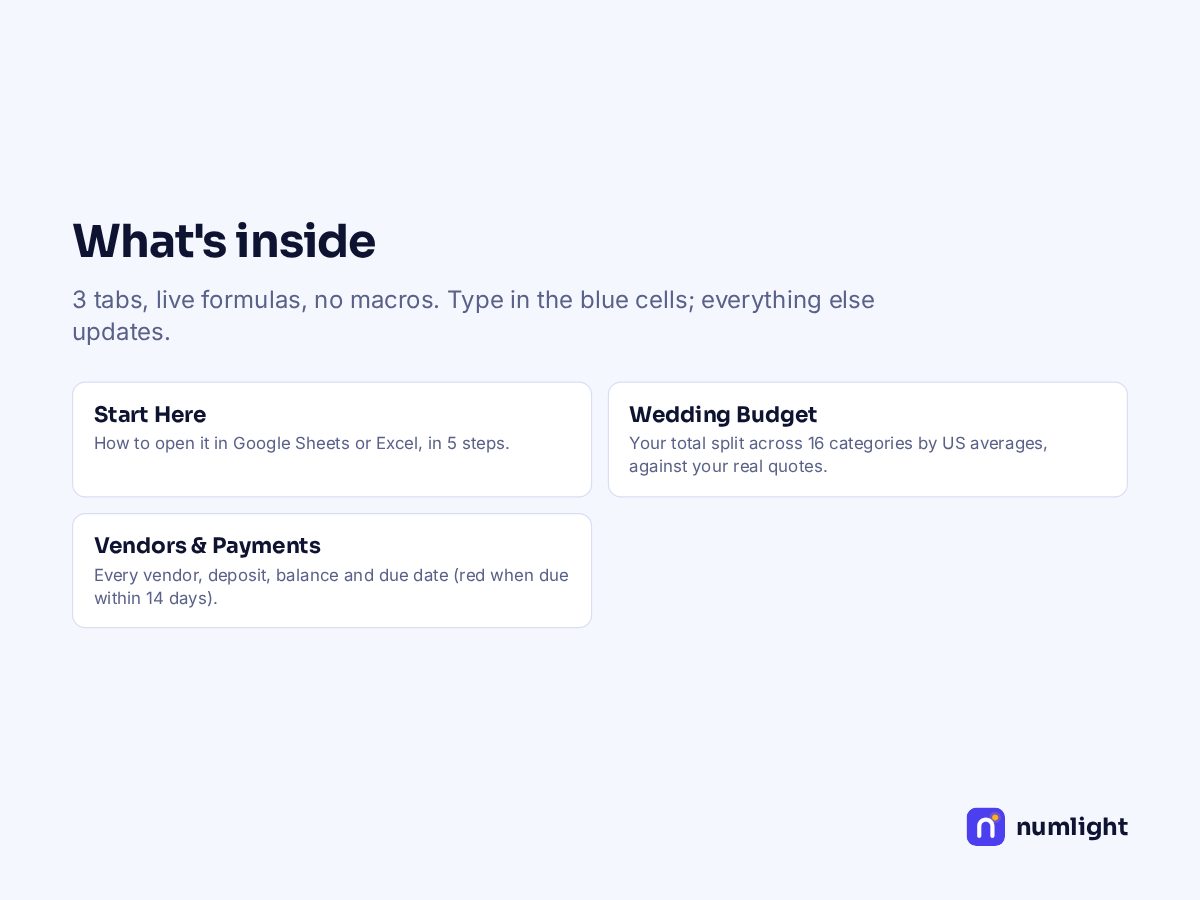
What's inside: 3 tabs
| Start Here | How to open it in Google Sheets or Excel, in 5 steps. |
|---|---|
| Wedding Budget | Your total split across 16 categories by US averages, against your real quotes. |
| Vendors & Payments | Every vendor, deposit, balance and due date (red when due within 14 days). |
Same math as our free wedding budget planner — we test the spreadsheet against it before every release. Example numbers are filled in; type over them with yours.
Questions
Where do the averages come from?+
Category averages from the Zola Wedding Cost Index 2026 and The Knot 2026 Real Weddings Study. We update them every year.
Does it work in Google Sheets?+
Yes. Upload the .xlsx file to Google Drive, open it with Google Sheets and choose File → Save as Google Sheets. The PDF guide shows each step. It also opens directly in Excel 2010 or newer, Excel for Mac and Excel on the web.
Why is it free?+
It's free while we launch. Later it will cost the price shown, and anything you download now stays yours. We ask for your first name and email so we can send you updates and our weekly money email; you can unsubscribe anytime.
Is there anything to install, or any macros?+
No. It's live formulas only — no macros, add-ons or sign-in — and nothing you type leaves your computer.
For education and planning only — not financial, tax or legal advice. Personal use; please don't resell or share the file.